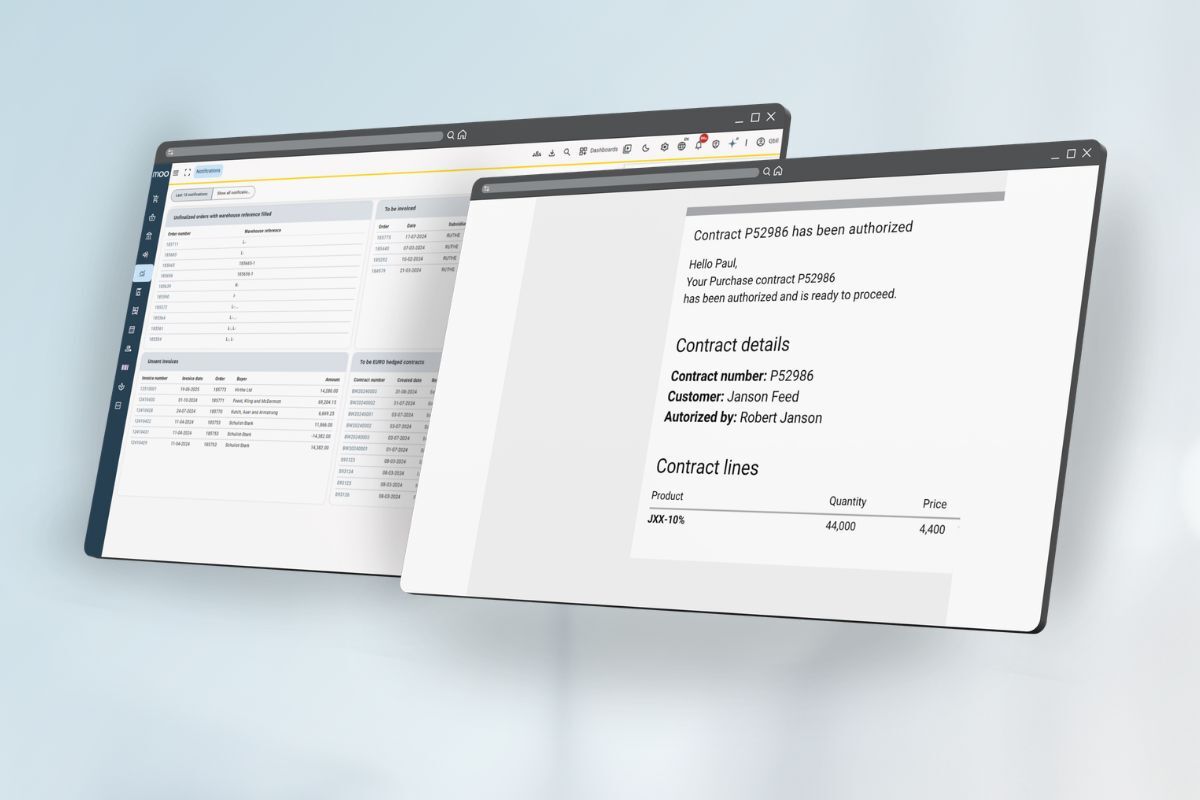

The planning screen has recently undergone a major update. In this webinar, we will walk you through the changes and, more importantly, show you how to make the most of the new planning screen in daily practice.
Pour tenir compte des différentes préférences linguistiques, ce webinaire sera offert deux fois, en néerlandais et en anglais.
Le contenu des deux sessions est identique. Veuillez choisir la séance qui vous convient le mieux.
🇳🇱 Dutch session (Nederlands)
- Date : Mercredi 28 janvier
- Temps : 11 h CET
- Langue : Néerlandais
- Lieu : En ligne
🇬🇧 English session
- Date : Mercredi 4 février
- Temps : 11 h CET
- Langue : Anglais
- Lieu : En ligne
What will be covered?
Introduction & Objectives
What the new planning screen solves and its key benefits.
Planning Screen Structure
Overview of the planning menu, filters, and orders overview.
Smart Planning in Practice
List view & calendar view, real-time data, filters, presets, and performance with large datasets.
Working Directly From Planning
Creating and editing orders, warnings, and notifications.
Live Demonstration
A complete planning workflow, such as planning a day of logistics.
Tips for Power Users & Q&A