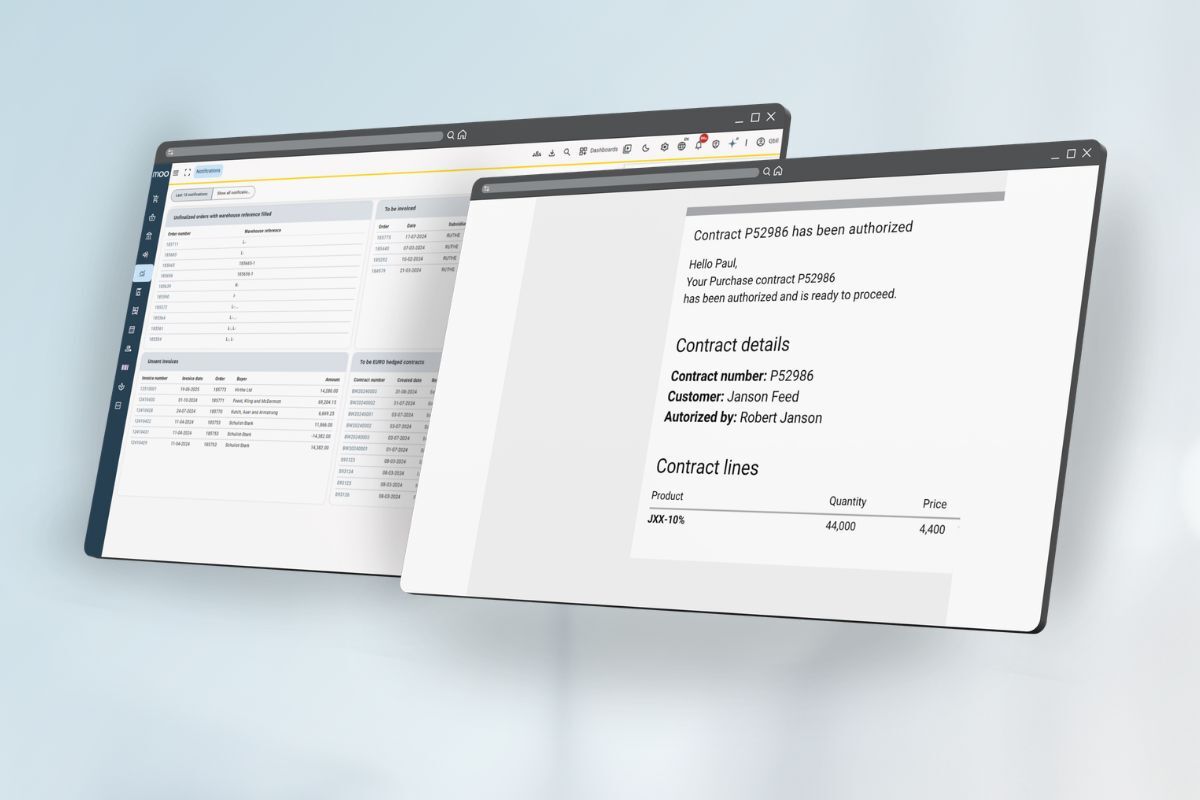

The planning screen has recently undergone a major update. In this webinar, we will walk you through the changes and, more importantly, show you how to make the most of the new planning screen in daily practice.
Para acomodar diferentes preferencias de idioma, este seminario web se ofrecerá dos veces, en neerlandés e inglés.
El contenido de ambas sesiones es idéntico. Por favor, elija la sesión que mejor le convenga.
🇳🇱 Dutch session (Nederlands)
- Fecha: Miércoles 28 de enero
- Tiempo: 11:00 CET
- Lenguaje Neerlandés
- Ubicación: En línea
🇬🇧 English session
- Fecha: miércoles 4 de febrero
- Tiempo: 11:00 CET
- Lenguaje Inglés
- Ubicación: En línea
What will be covered?
Introduction & Objectives
What the new planning screen solves and its key benefits.
Planning Screen Structure
Overview of the planning menu, filters, and orders overview.
Smart Planning in Practice
List view & calendar view, real-time data, filters, presets, and performance with large datasets.
Working Directly From Planning
Creating and editing orders, warnings, and notifications.
Live Demonstration
A complete planning workflow, such as planning a day of logistics.
Tips for Power Users & Q&A